 Team
PLM · Team SaaS
Start with projects, tasks and deliverables. Per-seat, for teams of up to 10; see Pricing for limits.
See Team scope →PLM Project Center / AI kickoff · R&D collaboration
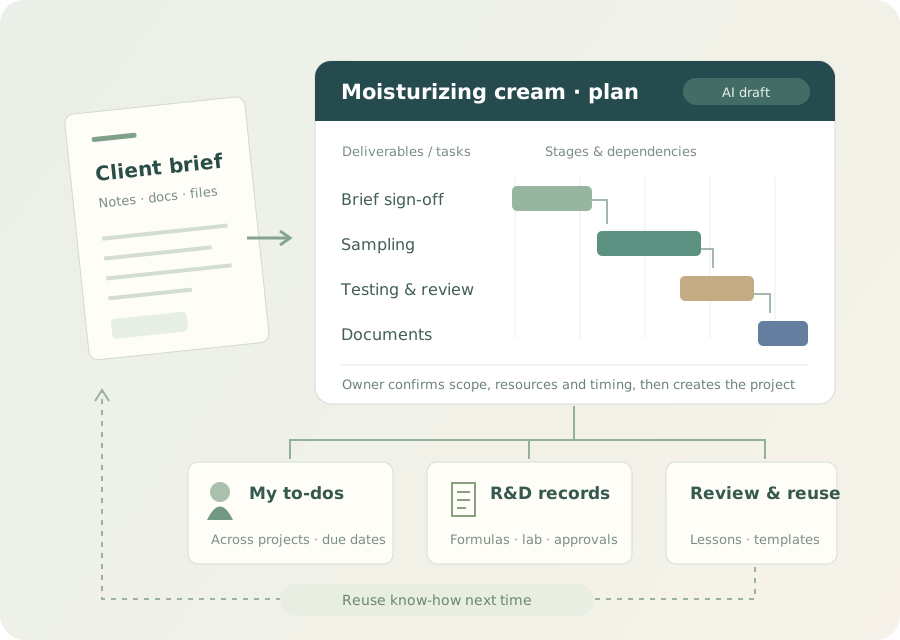
Notes and attachments become a draft project; schedules, to-dos and deliverables are tracked together.
From formula sampling to retrospective, the team knows what is next — and why each call was made.
01 / Upload · AI breakdown
Upload PDF, Word, Excel, photos or scans. AI reads them and drafts deliverable lines, work items, task dependencies and a schedule.
What you gainInstead of typing tasks one by one, you review and adjust an AI draft — and start collaborating sooner.
Face cream project: requirements, deliverable lines and draft work items for the owner to review (interface shown in Chinese).
02 / Schedule, to-dos & resources
Click to switch scenarios
Project owner / progress & delivery
A Gantt view of phases, SKU deliverable lines and task dependencies. Every reschedule keeps its reason and owner, so delays can be traced.
What you gainCoordinate from facts instead of chasing people for status.
Product screen: multiple SKU lines, dependencies and delay flags (interface shown in Chinese).
Team member / today’s work
Your tasks across projects, sorted by due date; jump straight to the form, and finished items leave your list.
What you gainLess project-hopping — key items don’t get buried in chat.
Resourcing / before new work
See workload alongside project spread, catch conflicts first, then reassign or replan.
What you gainPlans that account for people and tasks — fewer reshuffles.
Packaging sign-off late → affects compatibility test
Logs the reason, responsible item and next steps.
03 / IM & project collaboration
Messages, files and approvals connect to the project — each scenario maps to real work.
Click to switch scenarios
Scenario 01 / Chat & files
Group messages and attachments link to the right project and phase; online docs and cloud drives connect as configured, with less copying around.
What you gainWhen you revisit a decision, the discussion, files and task are all in one place.
Scenario 02 / Milestone approvals
Kickoff, formula changes, sample dispatch and other milestones trigger approvals; configured approval chains write results and comments back to the project.
What you gainNo re-typing approval results, and handovers have a record to check.
Scenario 03 / Project-aware assistant
Queries and summarizes the project records you are authorized to see and suggests next steps; the team reviews reports and suggestions before use.
What you gainLess digging through files, more time for coordination and decisions.
Generic cream project example with no client data; assistant suggestions and drafts are reviewed by the team before use.
04 / From close-out to the next kickoff
AI helps sort out delays, cost, quality and collaboration issues, drawing on formula, lab and approval records for a retrospective that becomes reusable material once reviewed.
What you gainThe next kickoff can draw on past changes, failed attempts and what worked.
Before kickoff:organizes requirements and helps check materials, cost, process, timeline and patent leads that need a closer look.
During execution:checks progress and owners, summarizes phase records, flags pending items.
At close-out:drafts a retrospective covering delays, cost, quality, collaboration, technical know-how and reusable assets.
Project milestones link to formula versions, test matrices and internal or external lab records, so you can see the conditions behind each result.
Reviewed formula and lab data can feed local machine learning, depending on data completeness. A retrospective on its own is not model training.
Templates by business
Cosmetic R&D is the core; other businesses are configured to their own workflows. Click to see what each covers.
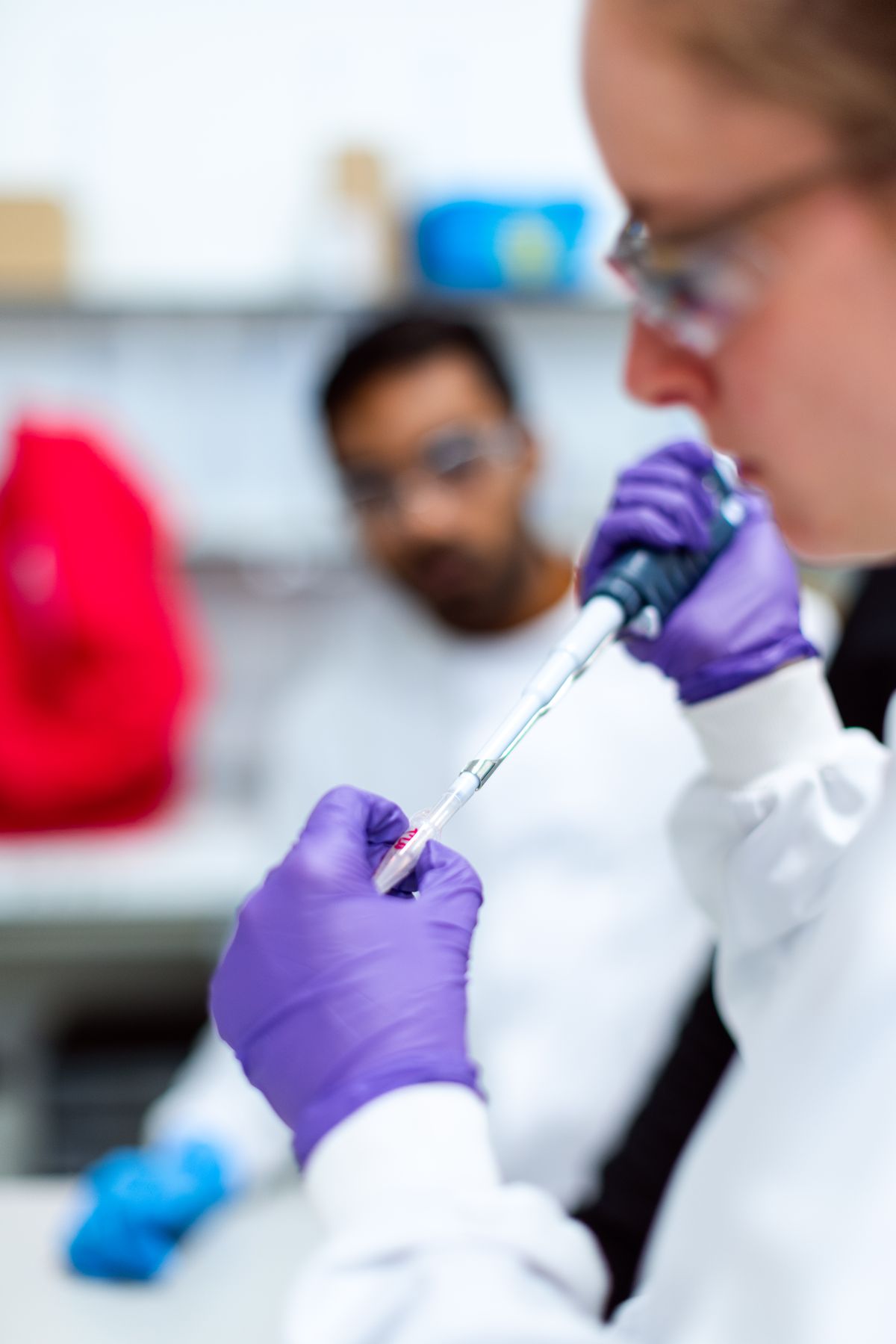
Brief, formulation, sampling, testing, packaging, reviews and launch — linked to formula and lab records.
Organizes tasks and files around R&D route, bench trials, characterization, validation and technical docs.
Organizes projects around source, preparation, characterization and validation; phases configured per project.
Phases and deliverables set up for R&D, validation, review and registration dossier preparation.
Multi-client, multi-SKU work connects to OEM requests. See the OEM page for sample sign-off, testing and delivery.
Deployment & access
TeamStart with projects, tasks and deliverables. Per-seat, for teams of up to 10; see Pricing for limits.
See Team scope →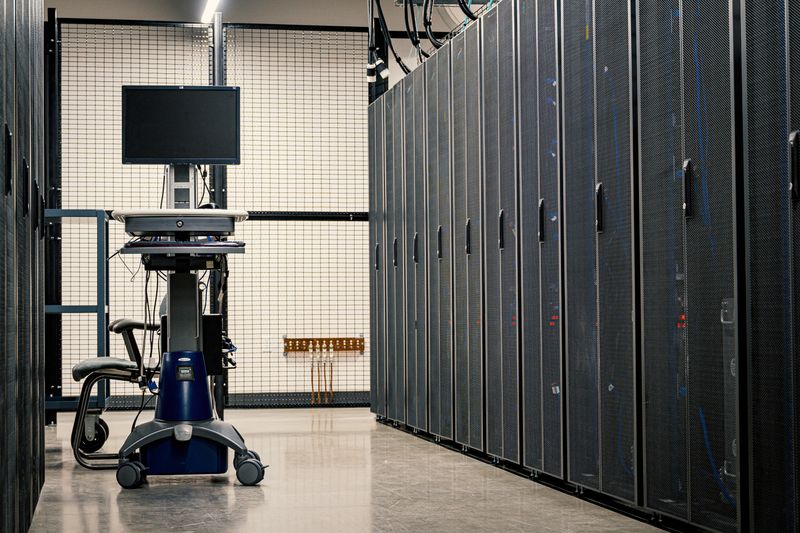 Your own servers
Runs on your own servers, scales users by license, with project templates and deep IM integration configured to your needs.
See Enterprise scope →See AI kickoff, project and personal desks, approval workflows, and how close-out know-how is reused.